
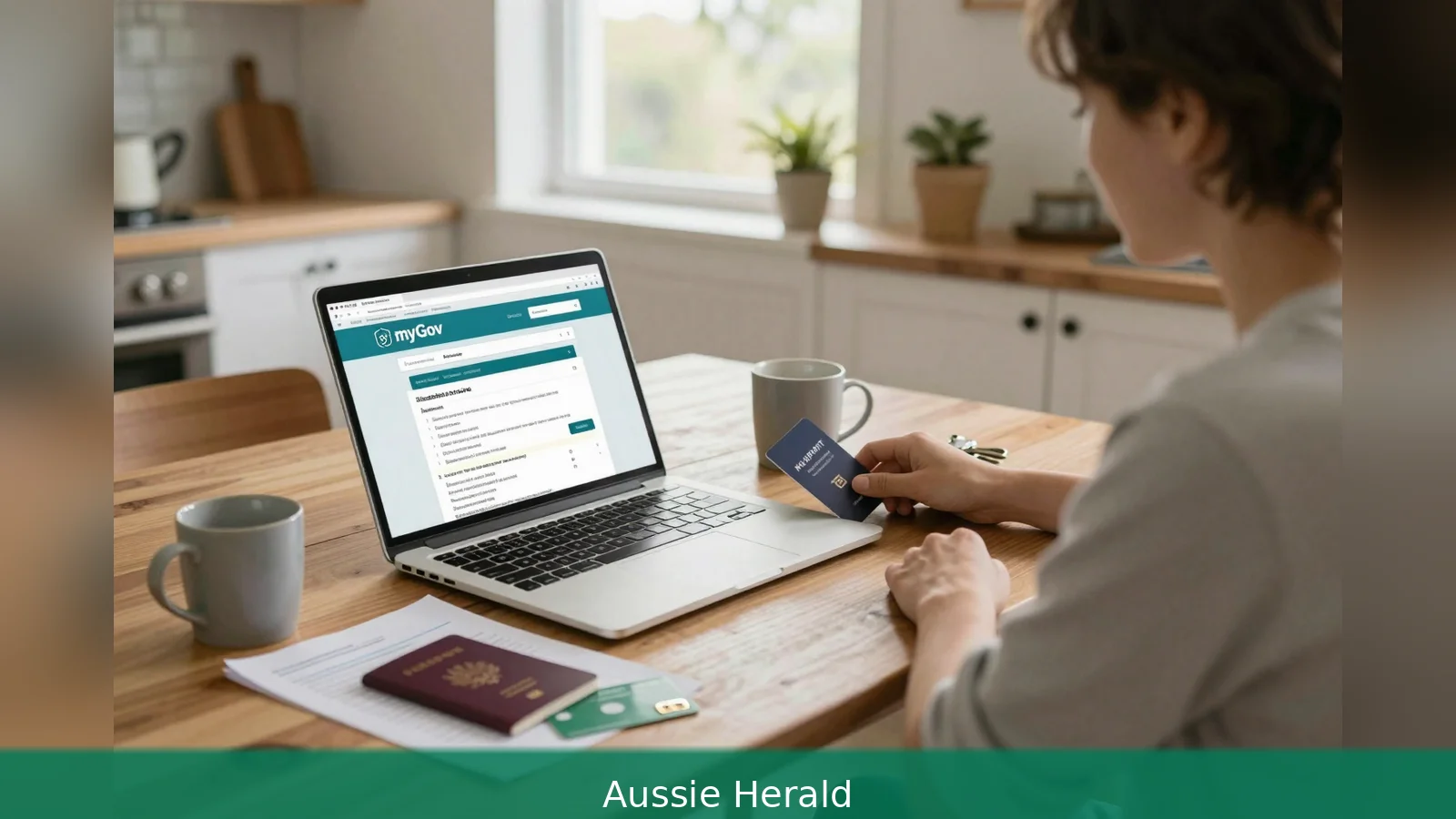
You will receive a physical Medicare card and access to subsidised public medical and hospital services once Services Australia approves your enrolment, because permanent residency or another eligible visa status is the foundational requirement for getting Medicare. If you live in Australia and meet Services Australia’s residency and visa evidence rules, you can enrol either online through myGov or by sending a completed Medicare enrolment form with supporting documents. The department checks identity and visa details, then posts a green Medicare card to the postal address you supply. Getting the paperwork right up front speeds the process. For most people the practical next step is to prepare identity and visa documents, create a myGov account if you need one, and begin an online enrolment.
To gain Medicare cover you must meet the residency and visa evidence the department requires, because Services Australia will only issue a card after it verifies your identity and visa details. That verification step is the reason evidence matters: a current passport or an ImmiCard plus valid visa details from the Department of Home Affairs are the baseline documents Services Australia lists for enrolment. The agency also permits people who have lodged most permanent residency applications and some protection visa applicants to enrol, but you should confirm your specific visa subclass with Services Australia if your case is unusual.
1. Check who can enrol
First, confirm you satisfy the twin conditions Services Australia sets: you live in Australia and you hold permanent residency or another qualifying visa. Permanent residents and holders of permanent visas clearly qualify. New Zealand citizens and some temporary visa holders may also qualify under reciprocal health arrangements or ministerial instruments, but those exceptions are specialised. The authoritative, up-to-date statement on who can enrol is the Services Australia enrolment page, so treat that as the final word on eligibility timing.
Worked example: a person who has been granted a permanent visa will meet the primary rule and can proceed to enrol. A New Zealand citizen should check whether a reciprocal arrangement applies to them. If you have lodged a permanent residency application while on a temporary visa, several migration-focused sources say you may be able to enrol from the date the application was lodged, but Services Australia’s guidance is the definitive source for whether that applies in your case.
2. Gather the identity and visa documents Services Australia requires
Second, assemble the identity and visa evidence Services Australia requires, because the department needs those documents before it will enrol you. The baseline evidence is a current passport or an ImmiCard, together with valid visa details from the Department of Home Affairs. If you enrol as part of a family, you must supply identity documents for any child under 15 as part of the same application. If someone aged 15 or older is to be included, give them your application number so they can finalise their own enrolment through their myGov account.
Services Australia explicitly states that supporting documents don't need to be certified for enrolment. Secondary migration guides and migration advisers commonly recommend you also have a visa grant notification, and a proof of Australian residence such as a lease or utility bill, but the minimum required by Services Australia is the passport or ImmiCard plus visa details from Home Affairs.
Worked example: if you hold an overseas passport and have a Home Affairs visa grant notification in your email, save those files as separate PDFs or images ready to upload. If you have an ImmiCard, that alone plus your visa details will meet the baseline identity test.
3. Choose how you will apply
Third, decide whether to apply online through myGov or to use the Medicare enrolment form and send it to Medicare Enrolment Services, because Services Australia supports both routes. If you can, using myGov is straightforward: create a myGov account and link Medicare, then follow the enrolment prompts.
If you don't have a myGov account, you will need to set one up and link Medicare before you can complete an online enrolment.
If online isn't an option, download and complete the Medicare enrolment form and send it with your supporting documents by post or by email to Medicare Enrolment Services. If you email the form, include the words Medicare enrolment in the email subject line so it's routed correctly.

Services Australia sets technical rules for emailed documents: accepted file types are PDF, JPG, PNG, GIF or BMP. Files must not be password protected or compressed in WinZip or RAR archives. Each document must be no larger than 5 MB, and the combined size of all documents must not exceed 10 MB. Follow these limits when scanning or saving your documents to avoid delays or re-requests.
Worked example: scan your passport biodata page as a high-quality PDF under 5 MB, save your visa grant email as a separate PDF, and ensure both files together are smaller than 10 MB before attaching them to the enrolment form email.
4. Including family members
Fourth, include family members correctly because Services Australia treats children and adults differently. For a family enrolment, provide identity documents for any child under 15 as part of the primary applicant’s submission. For anyone aged 15 or older you want included, give them the application number you receive so they can complete their own enrolment via their myGov account and upload their identity documents directly. The department uses this method so each adult verifies identity themselves.
If you are submitting documents by email, prepare separate files for each person in the family and respect the same file-type and file-size rules. Don't try to combine several identity documents into a single oversized file that breaches the 5 MB per document or 10 MB total limits.
Worked example: a parent enrolling two children aged 10 and 3 should include both children’s identity documents with the parent’s enrolment. A partner aged 17 must use the application number to finish their own upload in myGov.
5. What happens after you apply
Fifth, Services Australia will assess the information you supply and contact you with the outcome, because the agency must confirm your identity and visa evidence before issuing a card. Once your enrolment is approved, the department posts a green Medicare card to the postal address you provided. That card is the physical proof you will use to access subsidised public medical and hospital services.
If you leave Australia after enrolling, Services Australia keeps you enrolled for 12 months from the date you first left the country, but you can't use Medicare from overseas except where a Reciprocal Health Care Agreement applies. If you live overseas for more than 12 months you will no longer be enrolled and must enrol again when you return to Australia. When reenrolling after an extended absence you can either use myGov or download and submit the Medicare enrolment form by mail or email, and you again don't need to have supporting documents certified.
Worked example: if you move overseas for a nine-month work placement, your enrolment remains active for 12 months from the date you left. If instead you move overseas for two years, you will need to enrol afresh when you return.
6. Special cases and common sticking points
Sixth, note the tailored rules and practical exceptions because particular visa pathways and humanitarian arrivals have extra steps. If you are a humanitarian arrival or on an unusual visa pathway, confirm your circumstances with Services Australia so the agency can tell you about any extra steps and update records. If you believe a ministerial order or a reciprocal arrangement applies in your situation, confirm that with Services Australia and the Department of Home Affairs.
Two areas where secondary sources commonly disagree with each other or with Services Australia are: whether first-time enrolment must be completed in person, and whether certain temporary visa holders gain Medicare access from the date a permanent residency application is lodged. Some migration guides and adviser blogs say an in-person visit is required for first-time enrolments, but Services Australia explicitly allows online enrolment through myGov and the enrolment form route. Likewise, while some migration-focused sources say you may be eligible when you lodge a permanent residency application, Services Australia’s enrolment page remains the definitive source on eligibility timing. In any doubt about timing or an unusual visa subclass, contact Services Australia or the Department of Home Affairs for a binding determination.
Worked example: if your visa circumstances are unusual, such as an atypical temporary visa or a lodged permanent residency application with special conditions, ring Services Australia or check the Department of Home Affairs records before relying on Medicare cover for a scheduled medical procedure.
Practical checklist before you submit
Before you hit send or submit online, make sure you have done the following: First, confirm you live in Australia and hold a permanent visa or another qualifying status. Second, have a current passport or an ImmiCard ready and have your valid Home Affairs visa details available. Third, ensure any child under 15 included in your application has identity documents included. Fourth, if you are including someone aged 15 or older, give them your application number so they can upload their documents through myGov. Fifth, check the file types and sizes if you plan to email documents: PDF, JPG, PNG, GIF or BMP; each file under 5 MB; total under 10 MB; no password protection or compressed archives.
Worked example: gather the passport images, save your visa grant PDF, check file sizes, create or log into your myGov account, then begin the online enrolment. If you prefer paper, fill the Medicare enrolment form and attach the same prepared documents in the required formats.
Related Articles
- Nearly $4bn in childcare subsidies, yet fewer kids in care
- Childcare subsidy: vaccines, waitlists and audit queries
- 3 ways to enter Sydney Marathon 2026
Prepare the documents Services Australia lists, set up a myGov account if needed, then start the online enrolment or send the completed Medicare enrolment form with your passport or ImmiCard plus visa details to Medicare Enrolment Services. Once Services Australia approves your application, expect a green Medicare card to arrive at the postal address you supplied.
This article was created with AI assistance.


