
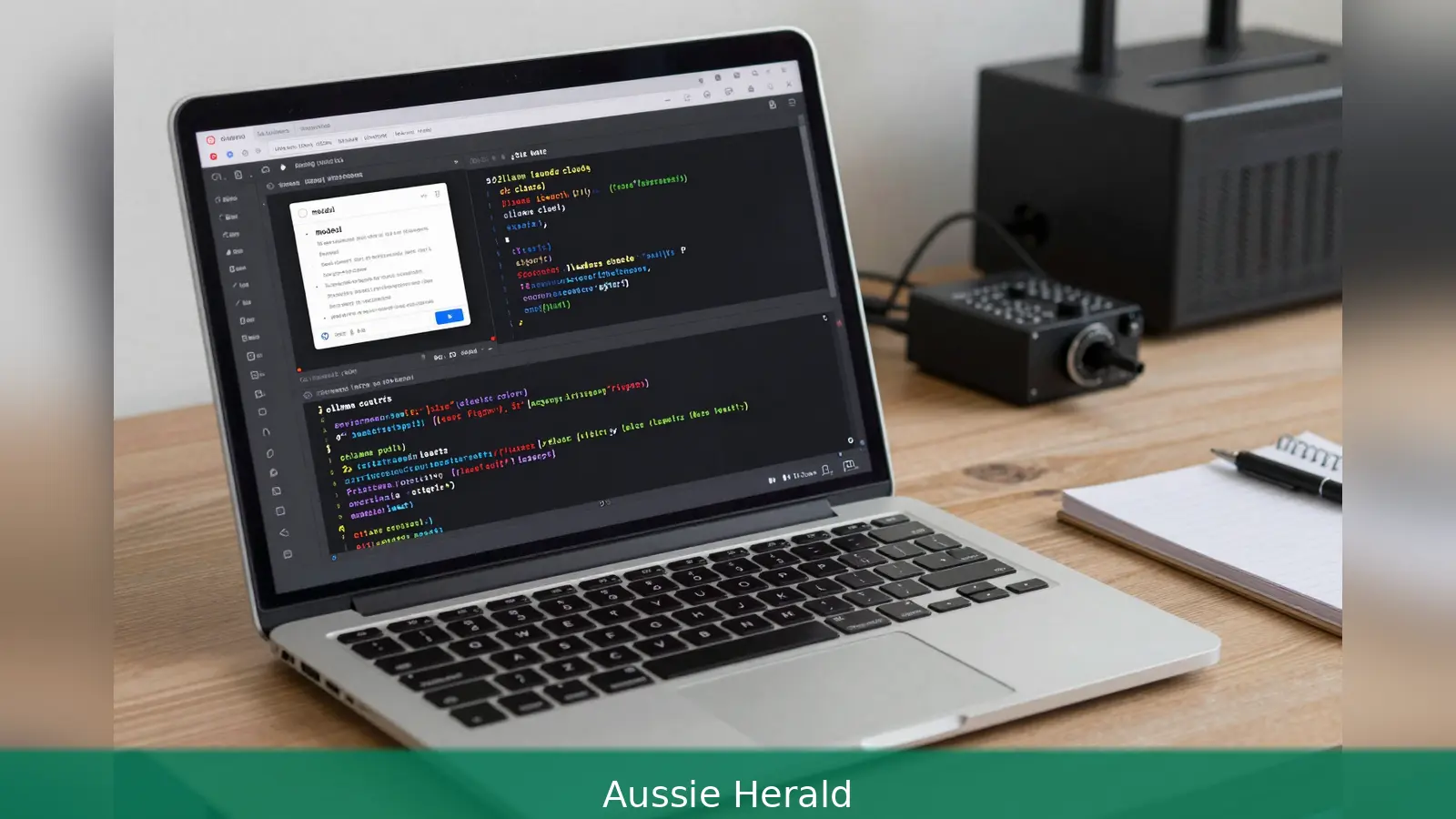
64K tokens is the single technical requirement that decides whether you can run Claude Code against a local Ollama model for whole-repo coding. Set up is straightforward: install Ollama, pull a model that exposes a 64K token context, export two environment variables so Claude Code points at Ollama's local HTTP endpoint, install Claude Code, then launch it and grant the repository access it requests. Popular model choices include GLM-4.7-flash for a balance of speed and context, qwen2.5-coder:7b for low-VRAM machines, and a larger qwen2.5-coder build for high-end multi-file work. Running the model locally removes Anthropic API charges and keeps inference and your code on-device for cost and privacy.
1. What you need: the 64K rule and hardware sizing
64K tokens is the single technical requirement that most affects which models and which hardware will work. Claude Code needs a model that exposes at least a 64k token context window to handle whole-repo operations such as cross-file refactors, file edits, and tool-calling. If your chosen model is smaller than that, expect limitations when you ask for repository-wide changes or when the agent must call tools that require long histories.
Hardware and resource sizing matter. Minimums cited across guides are modest but performance is heavily hardware-dependent. Expect at least 8 GB of system RAM, roughly 20 GB of free disk space, and optional GPU support to get practical speed. Developers with 16 GB RAM or a GPU with 8 GB of VRAM will have a much smoother experience with mid-size models. The largest coder models need a large amount of VRAM and are practical only on high-end GPUs or recent Apple Silicon. On machines with no GPU or limited VRAM, smaller models such as qwen2.5-coder:7b or quantized variants will run on CPU but at much lower throughput.
2. Install Ollama and verify the service
First, install Ollama so it runs as a background service and exposes an HTTP API on localhost. The documented install command for macOS and Linux is curl -fsSL https://ollama.com/install.sh | sh, and macOS or Windows users can also use the downloadable installer. After install, verify the client is present by running ollama --version or ollama -v.
One practical version point to confirm before you start is Ollama's release level. Sources disagree on the exact minimum release required for full Claude Code compatibility. One guide requires Ollama v0.14.5 or later, while others say v0.14.0 or later is enough and note that streaming tool-calls may need a pre-release such as 0.14.3-rc1. If you plan to use streaming tool-calls or the latest Messages API behaviour, check the Ollama release notes for the build you install and confirm the Anthropic Messages API endpoint is exposed correctly.
Second, pull a model into your Ollama environment with ollama pull <model>. Recommended commands include ollama pull glm-4.7-flash and ollama pull qwen2.5-coder:7b for low-VRAM setups, and pulling a larger qwen2.5-coder build for high-capacity machines. Remember that Ollama supports both local and cloud-hosted models.
For a zero-cost local workflow you must pull a local model that meets the 64K token context requirement.
After pulling, test the model with a simple run to check latency and that your GPU is being used if expected. For example, run ollama run <model> "Hello, what model are you?". A healthy GPU-backed run should return a response in one to five seconds for models like GLM-4.7-flash. If responses are slow, Ollama may have fallen back to CPU or the GPU driver isn't visible. On NVIDIA systems, check GPU visibility with nvidia-smi.

4. Point Claude Code at Ollama and launch the client
Point Claude Code at Ollama's HTTP endpoint by setting a small set of environment variables. The common variables used in examples are ANTHROPIC_BASE_URL=http://localhost:11434 and ANTHROPIC_AUTH_TOKEN=ollama. Some guides also set ANTHROPIC_API_KEY to an empty string when replacing cloud calls, but the essential items are the base URL and the token so the Claude client calls the local Anthropic Messages API endpoint exposed by Ollama.
Export these values in your shell or add them to your ~/.bashrc or ~/.zshrc and then verify that launching Claude Code connects to Ollama. To install Claude Code, follow the official quickstart for your platform. Verify the Claude client with claude --version. To start an interactive session that lists local Ollama models, run ollama launch claude. If you want to pick a model when launching, use ollama launch claude --model <model-name>.
When Claude Code starts, it will prompt to grant access to the current project folder. Answer Yes to allow file reads and edits. For non-interactive contexts such as CI, scripts or Docker, use the --yes flag together with --model and pass any terminal arguments after --. The --yes flag skips permission selectors and pulls the model when needed, so be explicit about the model in automated contexts.
5. What Claude Code can do locally and practical considerations
Claude Code supports chat, file edits, command-line execution with a permission flow, tool calling, subagents, web search and fetch via Ollama APIs, vision inputs, and scheduled loops with the /loop command when the selected model and Ollama configuration support those features. Not every Ollama model supports every advanced feature. For tool calling and streaming outputs, use models that explicitly list tool-support and long-context windows. Some guides note that to use streaming tool-calls you may need a more recent or pre-release Ollama build.
Running the model locally means inference and the codebase stay on-device, which removes API usage charges and preserves repository privacy. Ollama runs as a local HTTP service, so confirm local network exposure policies if your machine is on shared networks. When Claude Code asks for folder access it obtains permission to read and write files in that directory; in automated or multi-user environments Look at the implications and use isolated containers or virtual machines.
For Telegram integration and other plugins, follow the plugin README and use isolated environments if you employ --dangerously-skip-permissions, which bypasses safety prompts and should only be used in controlled instances. In general, treat the local HTTP endpoint like any service you run on a developer machine and apply the normal operational hygiene for network exposure and multi-user isolation.
There are a handful of repeatable pitfalls you will see. First, using an Ollama release that doesn't expose the Anthropic Messages API correctly will break the Claude client. Second, picking a model with not enough context length will limit whole-repo workflows. Third, running out of VRAM can cause a silent fall back to slow CPU inference. Fourth, forgetting to export the two environment variables that point Claude Code to the local endpoint is a common simple mistake.
If a pulled model seems slow or confused, try a different model listed on the Ollama search page or re-pull a model variant with a :latest or explicit tag. Some community reports show differences in exact endpoint pathing, for example adding /v1 to the base URL. If you see 404s or version errors, check the exact endpoint your Claude client is configured to call. Confirm the Ollama release notes for the build you run if you need streaming tool-calls or the latest Messages API behaviour.
One useful troubleshooting sequence is: first, verify ollama --version; second, test ollama run <model> "Hello, what model are you?"; third, check your environment variables are exported; fourth, confirm claude --version and then try ollama launch claude --model <model-name> with the interactive permission prompts. If latency is higher than expected, check GPU visibility with nvidia-smi on NVIDIA systems or confirm your machine is using a supported GPU.
First, install Ollama using the platform-specific installer or the curl install script. Second, confirm an Ollama version that exposes the Anthropic Messages API. Third, pull a model with ollama pull <model> that provides at least a 64k token context. Fourth, export ANTHROPIC_BASE_URL=http://localhost:11434 and ANTHROPIC_AUTH_TOKEN=ollama. Fifth, install Claude Code and then run ollama launch claude and select the model you pulled.
If you plan to automate or run in CI, use --yes together with an explicit --model argument and validate the workflow in an isolated environment first. For automated runs remember that the --yes flag skips interactive permission selectors and will pull the model when needed, so be explicit about the model and the environment the script runs in.
Related Articles
- Get a Medicare card on a Working Holiday visa in 7 steps
- Medicare card after permanent residency: 6 steps to enrol
Export ANTHROPIC_BASE_URL=http://localhost:11434 and ANTHROPIC_AUTH_TOKEN=ollama, pull a model that exposes at least a 64K token context, then launch Claude Code with ollama launch claude --model . Those three concrete steps are the practical minimum to run a local Claude-style coding agent without paying API fees and while keeping your code on-device.
This article was created with AI assistance.


