
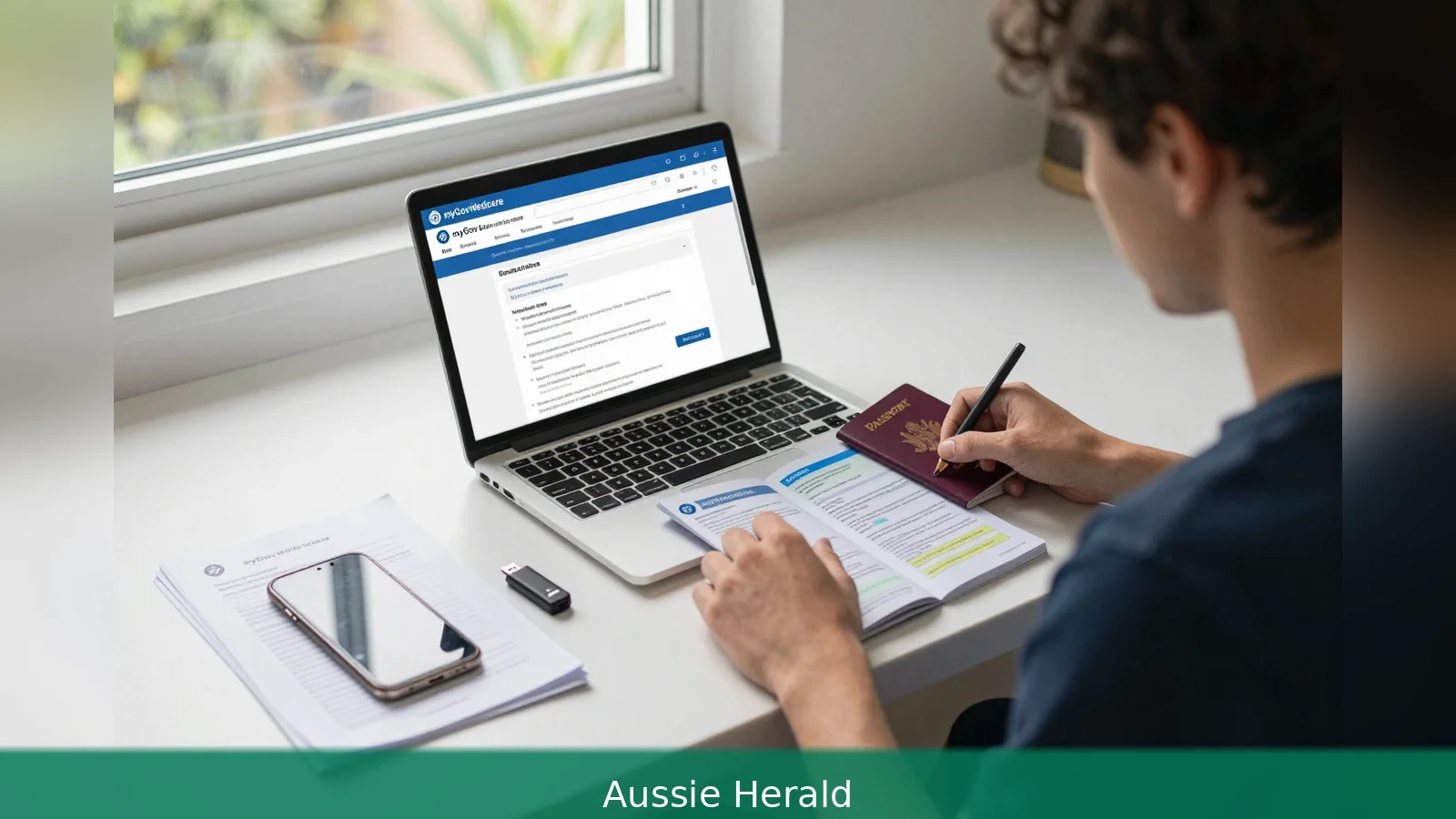
Use myGov to enrol, and have a current passport or an ImmiCard plus your Department of Home Affairs visa details ready. The fastest way onshore is through a myGov account, but a per-file upload limit and a cap on total attachments will trip many Working Holiday applicants if they try to email documents without checking sizes. Read the steps below so you can gather the right documents, pick the correct enrolment route and avoid common paperwork delays.
A cap on total attachment size is applied when you email supporting documents to Medicare Enrolment Services, and getting this wrong will slow an application or see files rejected.
Use your myGov account as your starting point: it's the single most important tool you need to enrol in Medicare if you are on a Working Holiday visa and eligible to join the scheme. Services Australia sets out two routes to enrolment. The first and fastest is online, inside myGov. The second is by completing a paper Medicare enrolment form and lodging it with identity and visa evidence to Medicare Enrolment Services. This guide walks through both paths, explains who can apply, lists the documents you must bring and shows the small checks that stop a delay.
1. Check your eligibility
First, confirm you can actually enrol. Services Australia says you can join Medicare if you live in Australia and are one of these: an Australian citizen, a New Zealand citizen, an Australian permanent resident, someone applying for permanent residency, or a temporary resident covered by a Ministerial Order.
Second, if you hold a Working Holiday visa the answer depends on two things. One is your nationality and whether that country has a Reciprocal Health Care Agreement with Australia. The other is whether your visa type is named in a Ministerial Order. Services Australia is the final authority on entitlements, so you should check the Reciprocal Health Care Agreements information on the Services Australia site or confirm your situation with Services Australia before you start an enrolment.
2. Gather the identity and visa documents
First, pick the primary identity document. Services Australia requires a current passport or an ImmiCard to enrol online. If you aren't an Australian citizen you will also need valid visa details from the Department of Home Affairs.
Second, prepare separate evidence for family members if you are applying as a family. For children under 15 you must supply identity documents for each child. For anyone aged 15 or older who's being included in a family application you must give that person your myGov online application number, so they can complete identity and visa evidence through their own myGov account.
Third, get your digital files in order. Services Australia accepts scanned or photographed copies in PDF, JPG, PNG, GIF or BMP formats. Each file must meet the per-file size limit and the total of files when emailed must not exceed the permitted combined size; check Services Australia for the up-to-date limits. Organise documents so you don't exceed those limits and so they're easy to match to the enrolment form fields.
Worked example: imagine you are applying with a UK passport plus a visa grant notice. Scan your passport biodata page as a single PDF within the permitted per-file size, save the visa grant notice as a second PDF that also meets the limits, and name the files clearly, for example Passport_Lastname.pdf and VisaGrant_Lastname.pdf. That simple naming saves time when Services Australia checks the application.
3. Use myGov to enrol online where possible
First, create a myGov account if you don't already have one. Sign in, select the Medicare service and choose to enrol as an individual or a family. Services Australia says online enrolment is the fastest route for most people who live in Australia and have the required identity and visa evidence.
Second, follow the on-screen prompts to attach identity and visa documents. If you are including anyone aged 15 or older in a family application, give them your myGov application number so they can log into their own myGov account and add their identity evidence.
Third, track the application through myGov. Services Australia allows applicants to follow progress inside the portal, so you can see if anything else is required without waiting for a paper letter.
Worked example: enrol as an individual, attach a scanned passport and a Department of Home Affairs visa screenshot, submit and then check myGov again after a few business days. If Services Australia needs more information it will request it through myGov rather than sending postal mail in many cases.
4. Apply by paper form if you can't enrol online
First, download the Medicare enrolment form from the Services Australia website and complete it. If you can't provide documents online, you will need to lodge the completed form with your identity and visa evidence by mail or email to Medicare Enrolment Services.

Second, follow the email instructions exactly. If you email your application, include the words Medicare enrolment in the subject line to help processing, per Services Australia. Attach scanned copies in the permitted formats and keep the per-file and total attachment size limits in mind.
Third, allow for slower processing by post. Paper applications require manual handling, so online is still the recommended route where possible. If you have to use the form, double-check that every supporting document is legible and that the name and date of birth on each piece of evidence match the enrolment form. That prevents routine follow-ups that push back the mailing of your Medicare card.
Worked example: emailing a paper application with the correct subject line, a clear photo of your passport biodata page and a PDF of your visa grant notice, all within the permitted file-size limits, will get the application to the right team faster than a vague email without the prescribed subject line.
5. Follow the Working Holiday specific rules
First, don't assume a Working Holiday visa by itself guarantees access to Medicare. Services Australia doesn't list Working Holiday visa subclasses in its Ministerial Order examples, so entitlement commonly depends on whether your passport country has a Reciprocal Health Care Agreement with Australia.
Second, check country-specific guidance. Some countries have Reciprocal Health Care Agreements with Australia. That list is maintained by Services Australia and may change, so confirm whether the reciprocal arrangement covers Working Holiday visitors from your country before starting an enrolment.
Worked example: a traveller from a country with a Reciprocal Health Care Agreement should confirm on the Services Australia site whether the arrangement covers Working Holiday visitors before starting an enrolment. If the arrangement applies, gather the passport and visa evidence and apply through myGov. If the arrangement doesn't apply, consider private travel insurance options during your stay.
6. What happens after you apply
First, expect contact from Services Australia once the application is assessed. If your online or paper application is approved, Services Australia will contact you with the next steps and will send your red, white and blue Medicare card in the mail to the address you supplied.
Second, if you are already enrolled and your Medicare eligibility is due to expire, Services Australia allows some people to request an extension online. If you are eligible to extend your cover you will receive a reminder through myGov. Make sure your contact and address details in myGov are current so postal mail and reminders reach you.
Third, for family applications, ensure you included the right documentation for each member. For applicants aged 15 or older who are being included by another person, remember to provide the myGov application number so they can add their own identity documents. Omitting a child or parent document is a common reason for an application to be held up.
Worked example: after submitting a complete online family application with scanned documents for two children under 15 and a partner aged 16 who used the myGov application number to attach their ID, Services Australia approved the whole household and posted the cards to the nominated address.
7. Practical tips to avoid delays
First, use a current passport or an ImmiCard as your primary identity document and make sure the visa evidence held by the Department of Home Affairs is up to date and accessible through your myGov account.
Second, name your files clearly and keep within the permitted file types and size limits. Services Australia will reject files that exceed the per-file or combined limits when emailed. That simple technical detail is an easy source of delay, so resize or compress scanned documents if necessary before you submit them.
Third, if you need to apply by form rather than online, address the email or postal submission to Medicare Enrolment Services and put Medicare enrolment in the email subject line to conform with Services Australia directions. That small step speeds the correct routing of your paperwork inside a large government processing centre.
Worked example: a traveller scanned two passport pages and a visa notice, then used a free PDF compressor to reduce each file to meet the per-file limits and attached them to an email with the subject Medicare enrolment. The application avoided an automatic rejection and moved to manual assessment quickly.
In Short
• Create and use a myGov account to enrol where possible and track progress.
• Use a current passport or ImmiCard plus Department of Home Affairs visa evidence.
• Scan documents as PDF, JPG, PNG, GIF or BMP, and keep each file within the permitted per-file size and the total within the permitted combined size when emailing; check Services Australia for current limits.
• Check whether your nationality has a Reciprocal Health Care Agreement with Australia and whether any Ministerial Order covers your visa.
• If you must use a paper form, email or post it to Medicare Enrolment Services and include Medicare enrolment in the subject line.
Related Articles
- Medicare card after permanent residency: 6 steps to enrol
- Nearly $4bn in childcare subsidies, yet fewer kids in care
- Childcare subsidy: vaccines, waitlists and audit queries
When you submit a complete application with acceptable identity and visa evidence, Services Australia will contact you and post your red, white and blue Medicare card to the address on file, so make sure your myGov contact and postal details are current.
This article was created with AI assistance.


