
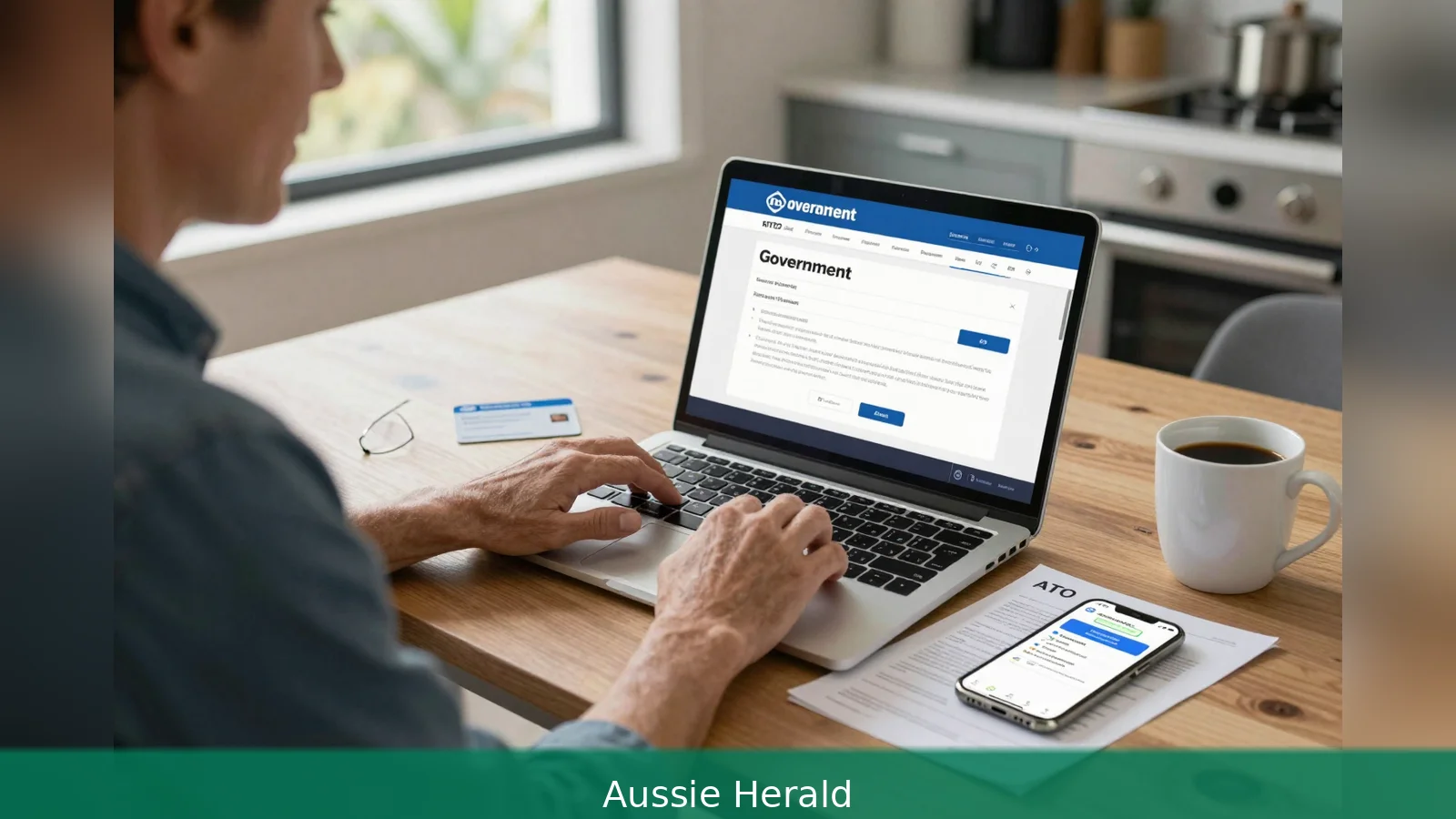
How can a single username and password give access to Medicare, Centrelink and the ATO at once? The answer is myGov, the Australian Government gateway that centralises sign-in and lets you link multiple services behind one account while forcing you to pick a secure sign-in method and finish service-specific identity checks. Services Australia runs the myGov site and explains the create-and-link flow; the Australian Taxation Office recommends the myID digital identity app and lists which sign-in options are acceptable for tax services. Start at the myGov website and select Create account to begin.
1. Why one account controls many services
Why does myGov let one username open so many doors? MyGov is designed to be a single government gateway. Services Australia operates the myGov service so a single account can be linked to several government services and can receive secure messages in a myGov Inbox. In practical terms, that means the same sign-in can take you to Medicare, Centrelink, Child Support and Australian Taxation Office online services without separate login credentials for each.
That convenience comes with a requirement. Because one account connects to many services, each linked agency keeps a separate identity check. The Australian Taxation Office and Services Australia both point users to help pages and videos for step-by-step guidance, and the ATO adds service-specific rules for tax services when linking through myGov.
2. First step, create the account
How do you create a myGov account in the first place? Go to the myGov website and select Create account, then follow the online prompts to register a username and password and set up your account, Services Australia instructs. The myGov service is intended to let you link several government services and to receive secure messages in a myGov Inbox. The myGov mobile app is advertised by Services Australia as a convenient way to access an existing account securely.
Example scenario: when a person selects Create account they will be asked to choose a username and a password and then offered sign-in options. If anything stalls during these steps, both Services Australia and the ATO host help pages and short videos that walk through the process and the troubleshooting steps to recover access.
3. Second step, choose a sign-in option
Why does the sign-in method matter so much? The sign-in option you select determines which services you can link and how hard it's for someone else to take over your account. The ATO explicitly recommends using MyID, the Australian Government’s Digital ID app, to create or sign in to a myGov account and to simplify linking to ATO services. MyID can be set to Standard or Strong identity strength, and the ATO says the higher the identity strength the more protection it provides.
Acceptable alternatives listed by the ATO for linking ATO services include a passkey, an authenticator app that generates one-time codes, or an SMS one-time code sent to an Australian mobile number. The ATO is clear that you can't use the Answer a secret question sign-in option when linking to or accessing ATO online services; if you have that option selected you must update your myGov sign-in option before you try to link ATO services.
Example scenario: if you set up myID and choose Strong, that identity verification inside the app makes it harder for impostors to get access. The ATO and Services Australia both point out that myID isn't tied to a single mobile number or device, so it can be re-established on a new phone with only an internet connection. That portability matters if you lose your phone.
4. A clash to watch: secret questions vs official advice
Which advice should you trust about secret questions? There's a direct conflict between some third-party how-to instructions and official agency guidance. A community how-to page aimed at rural women sets out three secret questions as part of the myGov account set-up and specifies password formatting such as a minimum of seven characters including a number and a special character. That page is published as Rural Women Online.
The ATO takes a different view. It explicitly disallows the Answer a secret question sign-in option when linking to ATO services and stresses stronger digital identity options such as myID, passkeys, authenticators and SMS one-time codes. Where the choice of sign-in option affects access to a specific service, follow the official agency guidance for that service rather than third-party checklists.
Example scenario: if a third-party checklist tells you to keep secret questions, but you intend to link ATO services, update your myGov sign-in option first. The ATO won't accept secret-question sign-in for tax services, so keeping that option would block access to ATO online accounts.
5. Third step, link the services you need
How do you add services to myGov after signing in? Services Australia says that after creating a myGov account you can link services to myGov; their site points users to pages for creating Centrelink, Medicare and Child Support online accounts through myGov. To link the ATO specifically, the ATO lists a four-step process: sign in to your myGov account, follow the prompts to link to the ATO, enter or confirm your personal details, and answer questions to confirm your identity.
Each service will run its own identity checks as part of the linking process. The ATO adds that if you can't confirm your identity online they will tell you what to do next, which may include providing additional documents or completing identity checks in a different channel. Services Australia requires you to create the relevant online account for Centrelink or Child Support through myGov and to complete the identity checks as part of that process.

Example scenario: after signing in, you choose Link a service and select Medicare. The site will ask you to enter or confirm personal details and then to complete the identity requirements that Medicare needs. For Medicare, that often includes your Medicare number as shown on your Medicare card.
6. Service-specific evidence and what to have ready
What documents or details will you be asked for when linking each service? For Medicare, third-party guidance and Services Australia confirm you will usually need your Medicare number as shown on your Medicare card to link Medicare online through myGov. If you don't have a Medicare card or your Medicare number isn't working, the community guidance reports that Medicare can provide a linking code over the phone and gives Medicare’s published contact number on their help pages.
For ATO services, the ATO requires identity confirmation through the chosen secure sign-in option and by answering identity-check questions. For Centrelink and Child Support, Services Australia requires creation of the online account through myGov and completion of the service-specific identity checks.
Example scenario: if you try to link the ATO and fail the online identity questions, the ATO will advise you on the next steps, which could include showing documents or completing checks by phone or in person. Follow their instructions rather than repeating the linking steps at the same point.
7. Practical differences between sign-in options
Which sign-in option is best for you depends on how you use devices and how mobile you are. The ATO describes why myID is recommended: it's not locked to a single mobile number or device and can be re-established on a new phone using only an internet connection. Because myID requires identity verification inside the app it's harder for impostors to gain access compared with some multifactor options.
Passkeys and authenticator apps are useful alternatives where users don't have an Australian mobile number, are overseas, or have poor mobile reception. SMS one-time codes sent to an Australian mobile number remain an option for those who prefer text-based two-factor authentication, but SMS is less portable than myID if you lose a phone and lose access to the mobile number.
Example scenario: if you travel overseas and don't have reliable mobile reception, a passkey or an authenticator app that generates one-time codes may let you sign in and link services where SMS doesn't work.
8. If identity checks fail and where to get help
What happens if the online checks don't succeed? The ATO’s linking flow makes clear that after following the linking prompts you will be asked to confirm personal details and to answer identity questions. If those checks don't succeed, the ATO will give you instructions about the next steps. That could include providing additional documents or completing identity checks in a different channel.
Services Australia provides help pages on creating accounts and links to topic- or service-specific guidance. Both agencies direct users to support pages for troubleshooting sign-in problems and for instructions on what to do if you can't sign in or can't complete online identity confirmation. Use the official help material rather than third-party checklists when a service-specific identity requirement is at stake.
Example scenario: you try to link Centrelink but fail the online verification. Services Australia will tell you which documents to provide and how to proceed, whether by phone or by completing an in-person verification.
9. Security and account maintenance
What should you do to keep your myGov account secure and working? Keep your sign-in credentials and contact details up to date, because myGov gives you a secure myGov Inbox for government messages and lets you update personal details centrally. That centralisation means timely maintenance of your credentials and contact details matters for receiving official communications.
If you still use secret-question sign-in and you plan to link ATO services, change your sign-in option first. The ATO warns that secret-question sign-in isn't accepted for linking its services. Consider myID, passkeys or an authenticator app for stronger, more flexible sign-in choices. If you use SMS one-time codes, use an Australian mobile number and be aware that SMS relies on the mobile number and is less portable if you lose the phone.
Example scenario: if you change your mobile number, update it in myGov and in the sign-in method that uses SMS to avoid losing access when a service sends a one-time code to your old number.
In short
First, go to the myGov website and select Create account and follow the online prompts to register a username and password.
Second, choose a secure sign-in option before linking services, with myID recommended for stronger identity protection and passkeys, authenticator apps or Australian SMS codes accepted for ATO linking.
Third, sign in and select Link a service, then enter or confirm your personal details and complete the service-specific identity checks.
Fourth, if online identity checks fail follow the instructions the service gives, which may include providing documents or using another verification channel.
Related Articles
- Get a Medicare card on a Working Holiday visa in 7 steps
- Medicare card after permanent residency: 6 steps to enrol
- Nearly $4bn in childcare subsidies, yet fewer kids in care
Create a myGov account, choose a strong sign-in (myID is recommended), then link the services you need and complete each agency’s identity checks. If an online check fails, follow the official help pages or the instructions each service provides.
This article was created with AI assistance.


