
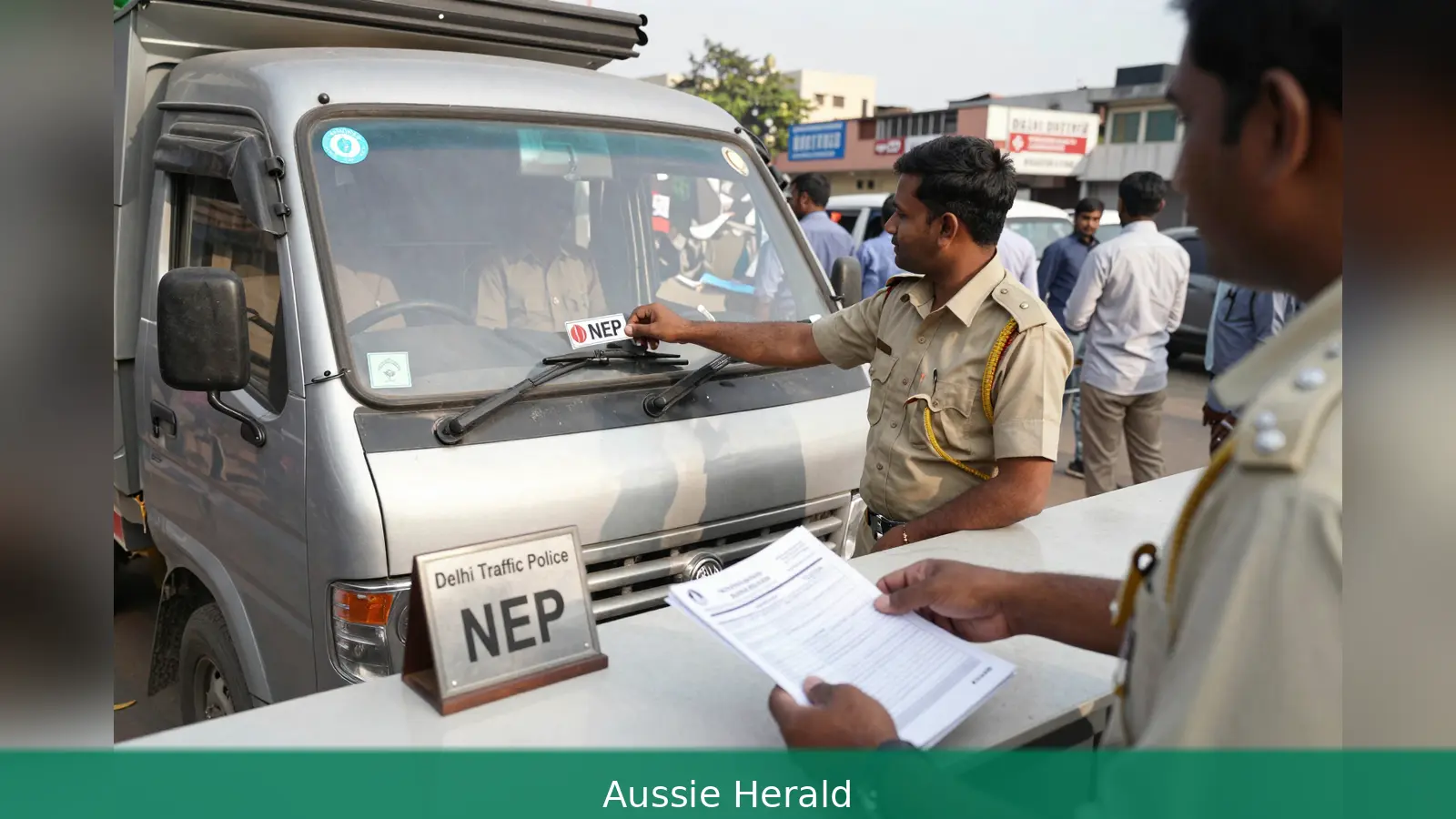
If you need to drive a private bus, a commercial goods vehicle or a tractor trolley in Delhi during restricted hours, get a No Entry Permission. Use the Delhi Traffic Police NEP portal for annual and three-month permits, and send a signed written request to the Addl. Commissioner of Police/Traffic at Traffic Police Headquarters for permissions of seven days or less. You will need your driving licence, vehicle registration (RC), insurance and a valid PUC, and most forms must be signed by the applicant or attested by a Gazetted officer where requested. The portal issues a reference number you must retain; district traffic offices accept in-person applications and publish collection schedules. This guide walks you through the documents, the two application routes, and practical tips to track and collect your NEP sticker.
You risk a prohibition on movement if you drive during restricted hours without a valid NEP sticker, because only vehicles bearing a No Entry Permission are allowed into restricted areas under the Delhi Traffic Police rules.
1. Decide which No Entry Permission you need
First, confirm whether your vehicle type falls under the restricted-hours ban. The Delhi Traffic Police has made the rule plain: private buses, commercial goods vehicles and tractor trolleys are among the vehicle classes that must display a valid No Entry Permission, commonly shortened to NEP, to move in restricted areas during the banned hours.
Second, pick the right duration. The Delhi Traffic Police online service lists both Annual and Three-month NEP options in its Citizen Centric Services. Separately, the Parivahan/Delhi Traffic Police FAQ documents a different channel for very short permissions: individuals may apply for a maximum Seven-day permission by writing to the Addl. Commissioner of Police/Traffic (HQ) at Traffic Police Headquarters, Dev Prakash Shastri Marg, Todapur, New Delhi-110012. Treat these as separate routes: use the online portal for one-year or three-month permissions, and use the written Traffic HQ route only when you specifically need a permission that runs to seven days or less.
Worked example: if you run a goods vehicle that needs regular access for deliveries over several months, choose the three-month or annual NEP on the portal. If you need one-off access for a special load that lasts less than a week, prepare a written request to Traffic HQ.
2. Gather identity and vehicle documents
Before you start any application, assemble the mandatory papers. The documentation listed in official guidance includes a valid Driving licence, the vehicle Registration certificate (RC), the vehicle Insurance certificate and a valid Pollution Under Control or PUC certificate. The department also expects every form and declaration to be signed by the applicant.
Where required, some procedural notes ask for attestation by a Gazetted officer. The in-person route explicitly disallows submission signed by a third party on the applicant's behalf, so be prepared to sign all documents yourself or to provide Gazetted attestation when the portal or office asks for it.
Checklist in order to present at submission: 1. Driving licence. 2. Registration certificate (RC). 3. Insurance certificate. 4. Valid PUC certificate. 5. Any additional declarations signed by the applicant or attested by a Gazetted officer if requested. Keep originals and clear photocopies or scanned files ready for upload.
Worked example: a private bus operator preparing a renewal should photocopy the RC and insurance, scan the PUC, and ensure the licence is current before logging into the portal or visiting the district office for an in-person application.
3. How to apply online via the Delhi Traffic Police NEP portal
Apply online if you want the portal channel for annual or three-month permissions and to keep a trackable reference number. The Delhi Traffic Police maintains a dedicated NEP section on its website where the application services appear. The portal is the department's primary online channel for fresh applications and renewals, and it publishes issuance schedules and renewal notices there.
First, register. Choose New User or Register on the NEP portal, supply your mobile number and email, set a password and complete OTP verification and the captcha as prompted. The system will ask you to verify contact details, so use a mobile number you can access while you apply.
Second, complete your profile. Log in as an existing user, update the profile fields and upload a profile photo where requested. From the dashboard, open the Application menu and choose between Annual Application and Temporary Application as offered on the portal. Complete the form fields accurately, upload each required document, and submit.
Third, keep the acknowledgement. The portal will generate an application reference number and an acknowledgement on successful submission.

Retain that reference for follow-up and to check issuance lists the Traffic Police publishes. Procedure guides note the portal prompts for OTP and captcha steps during registration and login and that a payment step appears where fees apply, though the portal pages don't list amounts.
Worked example: after registration, an applicant for a three-month NEP uploads the scanned RC, insurance and PUC, receives an application reference number and then checks the NEP web pages for the department's issued list to find the collection schedule.
If the portal isn't available to you or you prefer to deal with staff directly, apply in person at your district traffic office. Approach the office to obtain the applicable application form or prepare a written application on A4 paper if the receiving authority accepts it. Submit the completed application with the required documents, each signed by the applicant and attested when requested.
The receiving officer will check your documents. Applications and fees, if any, are accepted only when the set is in order. Collect the acknowledgement for your submission and note the advised timeline for collecting the NEP sticker. The department retains full authority to accept or reject applications and will notify you of approval and the collection schedule.
For permissions of up to seven days, the documented path is a written application to the Addl. Commissioner of Police/Traffic (HQ) at Traffic Police Headquarters, Dev Prakash Shastri Marg, Todapur, New Delhi-110012.
The Parivahan/Delhi Traffic Police FAQ contains this route and provides an obfuscated contact email for Traffic HQ: addlcp[dot]tfchq[at]delhipolice[dot]gov[dot]in. Use the written Traffic HQ route only when you specifically need a short-duration permission and the NEP portal doesn't offer a similar temporary option.
Worked example: if you are unable to upload digital scans because the RC is held by a finance company, visiting the district office with originals, a signed written application and a Gazetted attestation where requested is the practical path. For a one-off seven-day need, send the signed letter to the Addl. Commissioner with the contact details above.
5. Signatures, attestations, fees, processing and what to expect next
Applications must be signed by the applicant. Many procedural notes and the in-person process make this explicit: submission signed by another person on the applicant's behalf won't be accepted. Where the portal or office asks for it, provide Gazetted officer attestation of submitted papers.
Fees and processing times aren't consistently published across the department's guidance. Historical issuance notices appear on the NEP page, and the portal shows a payment step, but the procedural pages and guides don't state a standard fee schedule or guaranteed turnaround. If a fee is payable, district offices accept fees at submission. Confirm current fee amounts and expected processing times either on the Delhi Traffic Police NEP web pages or at your district traffic office before you apply.
The final grant or rejection of NEP stickers is at the discretion of the traffic department. Expect an internal processing period and a notification when approval is granted. Use the application acknowledgement and any portal reference number to track your application and to identify whether your name appears on issuance or renewal lists the Traffic Police publishes.
Worked example: after an online submission, keep the reference number to match against the department's issuance list for fresh and renewal categories. If the list shows your application as approved, the notice will tell you when and where to collect the sticker.
The Delhi Traffic Police NEP pages archive past issuance schedules, lists of required documents and renewal notices. Before you apply, check the NEP page for current issuance schedules and renewal instructions. The procedural guides recommend obtaining and retaining the application acknowledgement and any reference number generated during portal registration or office submission, as those are the identifiers the department uses to track applications.
Keep digital copies of every document you upload and a scanned copy of the signed forms you hand in. If you used the portal, note the login and OTP mobile number so you can return to the dashboard. If you applied in person, preserve the office acknowledgement and the name of the receiving officer where possible.
Worked example: for a renewal, compare the documents requested in the current renewal notice on the NEP web page to the papers you have on file, update any expired insurance or PUC, and then either renew through the portal or by in-person submission according to the schedule posted by the department.
Be aware that sources and procedural pages diverge on permissible durations and the exact application routes. The online portal lists annual and three-month options, while Parivahan and the FAQ document the Traffic HQ written route for permissions that last up to seven days. Use each channel for the durations the department has documented.
Do not assume fee amounts or fixed processing timelines. Confirm fees and collection timelines directly on the NEP pages or at your district office before you submit. If an attestation is requested and you can't sign in person, arrange Gazetted officer attestation rather than having someone else sign for you.
Practical tip: retain one paper and one digital copy of every submission, and keep a single folder with the reference number, acknowledgement and the contact details of the district office. That folder will speed up follow-up and collection.
In short, treat the portal as the primary route for annual and three-month NEPs, use written applications to Traffic HQ for up to seven-day needs, and always supply the signed documents and any Gazetted attestations the process requires.
Related Articles
- New Zealand vs Egypt: 3-1 comeback keeps Kiwis alive
- Japan 4-0 Tunisia: rout ends Tunisia's World Cup hopes
- Why Swiss AI projects blew budgets in 2026: 10 costly obligations
Register on the Delhi Traffic Police NEP portal or visit your district traffic office to pick up the application form. For short permissions of up to seven days, prepare a signed written application to the Addl. Commissioner of Police/Traffic, Traffic Police Headquarters, Dev Prakash Shastri Marg, Todapur, New Delhi 110012, or send to the obfuscated email addlcp[dot]tfchq[at]delhipolice[dot]gov[dot]in. Keep your application reference and copies of your RC, insurance and PUC, then check the department's issuance lists to know when and where to collect the NEP sticker.
This article was created with AI assistance.


